Meta description: Zendesk costs climb fast when occasional users get full seats. Use zendesk light agents to cut waste, tighten access, and audit seat sprawl.
Your Zendesk bill keeps creeping up. A manager wants ticket visibility. Finance needs billing context. Engineering needs to add notes on bugs. Someone gives each of them a full agent seat because it's faster than sorting out roles.
That works for a while. Then renewal shows up, and you're paying for access patterns that don't match how people work.
zendesk light agents exist for exactly this problem. They give occasional collaborators a place inside Zendesk without turning every stakeholder into a paid frontline agent. If you're still handling these users with full seats, you're probably carrying avoidable spend and extra governance risk at the same time.
If you're already thinking about a broader cleanup, it's worth reviewing how teams approach license auditing software for SaaS spend control. The same logic applies here. Match seat type to real usage, not to convenience in the moment.
Your Zendesk Bill Is High. Are You Using Free Seats?
A lot of Zendesk waste starts with a reasonable decision that never gets revisited.
Sales wants to read the occasional escalation. Product wants context from support tickets. An executive wants to follow a major account issue. None of those people are working the queue, but they still get full agent access because nobody wants to block collaboration. Months later, those seats are still there.
That pattern gets expensive because full agents are built for people who actively manage customer conversations. Many internal collaborators don't need that. They need visibility, private comments, and enough access to help the support team.
Practical rule: If someone only steps into Zendesk to advise, review, or approve, start with a light agent role, not a full seat.
The biggest mistake I see is treating collaboration as an exception. In Zendesk, collaboration is normal. The better move is to design for it. Light agents let you keep comments, ticket history, and internal context in one place instead of forwarding emails around or copying updates into Slack after the fact.
Done well, this cuts cost and reduces mess. Done poorly, you still buy full seats for people who never should have had them.
What Are Zendesk Light Agents?
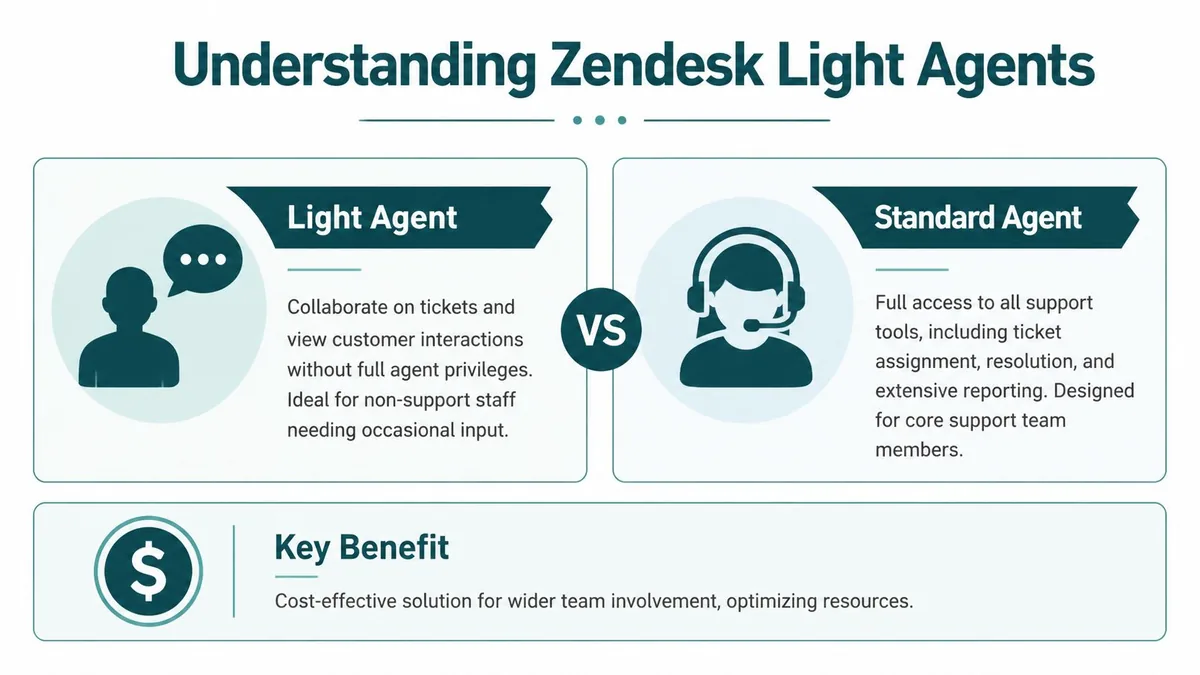
Light agents are Zendesk users with limited support permissions. They can help on tickets without functioning as standard agents.
Their best use is internal collaboration. Think subject matter experts, managers, billing reviewers, engineers, legal, or account owners who need context and want to leave private notes. They can see the ticket and add input, but they don't run the support workflow.
According to Zendesk's light agent permissions documentation, Suite Growth includes up to 50 light agents, Suite Professional up to 100, Suite Enterprise up to 1,000, and Suite Enterprise Plus up to 5,000. Suite Team offers light agents as an add-on. The same Zendesk documentation is especially relevant when you look at Zylo's finding that 45% of Zendesk licenses go unused, with enterprises seeing more than $509,000 in annual wasted spend. Light agents are one of the clearest built-in ways to avoid buying paid seats too early.
Light agent vs full agent permissions
| Capability | Full Agent | Light Agent |
|---|---|---|
| View tickets | Yes | Yes |
| Add private comments | Yes | Yes |
| Be assigned tickets | Yes | No |
| Change ticket status | Yes | No, unless they are the requester |
| Reply to customers | Yes | No |
| Serve chats | Yes | No |
| Respond to calls | Yes | No |
| Manage channels | Yes | No |
| View shared Explore dashboards | Yes | Available on Professional and Enterprise plans |
| Consume a paid agent seat by default | Yes | No, unless elevated permissions trigger paid seat usage |
A few limitations matter more than the rest.
First, light agents can't be assigned tickets. If someone owns work in the queue, they need a full agent seat. Second, they can't send customer replies, serve chats, or handle calls. Third, they aren't a workaround for broad admin access. If you give a light agent certain higher-level roles, such as Knowledge admin, Zendesk can treat that user as consuming a paid Support seat.
The money-saving role stops saving money when admins pile on permissions without checking the seat impact.
That's why light agents are best thought of as a collaboration role, not a "discount agent" role. If you stay disciplined about that line, they work well. If you blur it, they create confusion fast.
When to Use a Light Agent And When Not To
The right test isn't job title. It's what the person does in Zendesk.
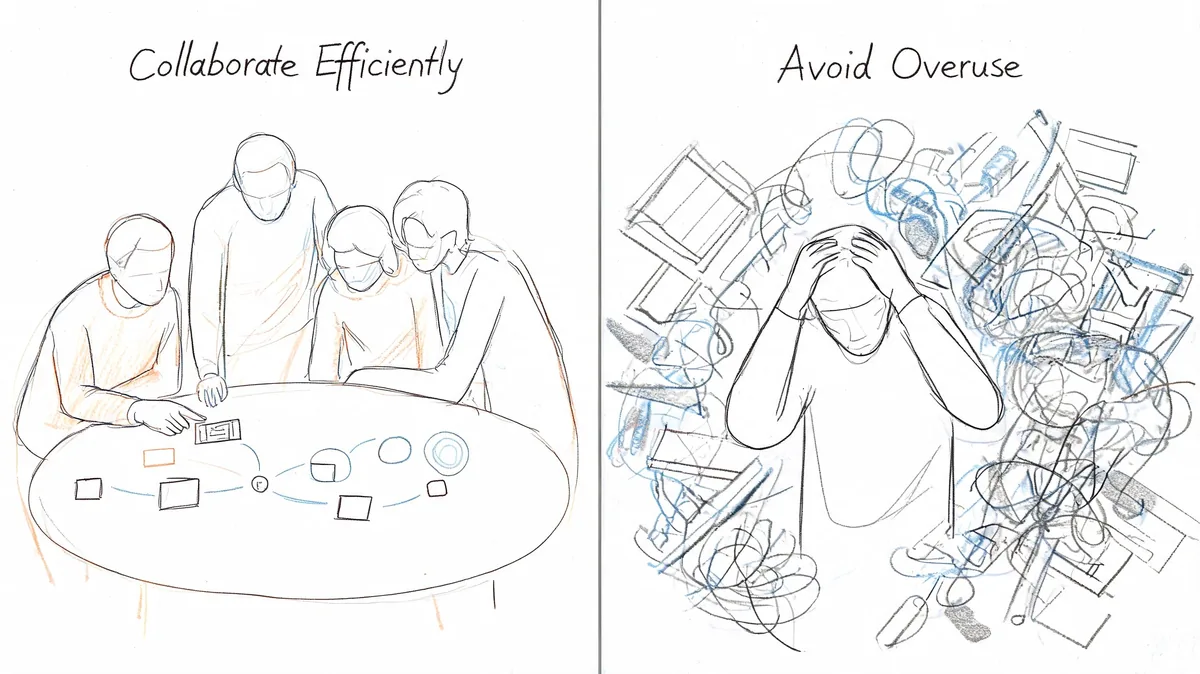
A developer who adds bug context to a few escalations each week is a good light agent candidate. A finance teammate who needs to review invoice disputes before support responds is another. A VP who wants visibility into priority tickets without touching the queue also fits.
If you're building access policy around these roles, it helps to align the decision with your broader rules-based access control approach. Zendesk role sprawl usually starts when exceptions become permanent.
Use light agents for these jobs
- Engineering input: Add private notes on defects, workarounds, and deployment status.
- Billing review: Check ticket history and leave internal guidance on credits or invoice disputes.
- Sales context: Review an account issue before a renewal call and add private account notes.
- Leadership visibility: Read high-priority escalations without owning ticket handling.
- Legal or compliance review: Comment internally on sensitive cases without giving channel control.
These are all collaboration tasks. They benefit from being inside the ticket. They don't require control of the queue.
Don't use light agents for these jobs
- Frontline support: Anyone who replies to customers needs a full agent role.
- Queue ownership: If they triage, assign, solve, or change statuses, light agent won't hold up.
- Chat or voice coverage: Light agents can't serve chats or respond to calls.
- Channel administration: Anyone managing workflows, channels, or broad configuration needs different access.
- Heavy reporting ownership: If the role involves building and owning reporting workflows, review plan-specific permissions carefully first.
A quick explainer can help if you need to align internal stakeholders on the basics before changing roles:
The bad use case is giving someone a light agent seat and then expecting them to behave like overflow support. That usually ends in side channels, manual workarounds, and complaints that "Zendesk is limiting us," when the actual problem is role mismatch.
Best Practices for Light Agent Governance
Light agents save money only when someone owns the rules.
Without governance, teams drift into two bad habits. One is over-assigning full seats because nobody trusts the restrictions. The other is turning light agents into pseudo-admins through extra permissions until the account loses the cost benefit anyway.
Set a clear decision rule
Document who qualifies for a light agent seat. Keep it blunt.
Use light agents for people who need to view tickets and add private comments. Use full agents for people who work customer conversations or own ticket flow. If the role sits in between, decide based on actual weekly tasks, not department politics.
A short approval workflow helps:
- Requester names the use case: Why does this person need Zendesk?
- Admin maps tasks to role: Collaboration or active support.
- Manager signs off: Confirms the access level matches the job.
- Review date gets set: Recheck after role changes or team moves.
Watch for paid-seat creep
Zendesk has an important caveat here. A light agent can stop being "free" if you assign higher permissions that consume a paid Support seat. That's the kind of detail admins miss when access gets granted piecemeal.
Make role reviews part of your admin routine. Use Admin Center filters to look for users with mixed or increased permissions, especially after org changes, migrations, or product rollouts.
Good governance isn't about locking Zendesk down. It's about making sure your cheapest collaboration role stays your cheapest collaboration role.
Treat Explore access carefully
For Enterprise plans, Zendesk expanded Explore permissions for light agents in a November 2023 update. According to Zendesk's announcement on expanded Explore permissions for light agents, Enterprise light agents can now have "Manage reports and dashboards" or "No access" in addition to viewing shared dashboards.
That creates a real cost-control option. Some users who only need reporting access may no longer need a full seat. But that doesn't mean every reporting user should be downgraded automatically.
Use a stricter test for reporting roles:
- View-only consumers: Often a strong light agent fit.
- Dashboard editors with narrow scope: Possible fit on Enterprise, but review data exposure.
- Broad analytics owners: Usually worth a closer governance review before any downgrade.
The trade-off is obvious. Better reporting flexibility can reduce seat spend, but it can also widen data access if you don't audit who sees what.
A Checklist for Auditing Your Light Agents
Most Zendesk guidance tells you how many light agents your plan supports and how to buy more. It doesn't give much practical help on reclaiming waste. That's the gap that hurts admins. Seats pile up, especially after reorgs and staffing changes.
According to Zendesk's guidance on managing light agent seats, existing resources explain seat limits but don't provide guidance on auditing and reclaiming wasted seats. That gap leaves admins exposed to hidden overspend. The same context notes that LicenseTrim uses API data to find idle seats and quantify savings, often reducing costs by 30-40%.
Start with the role list
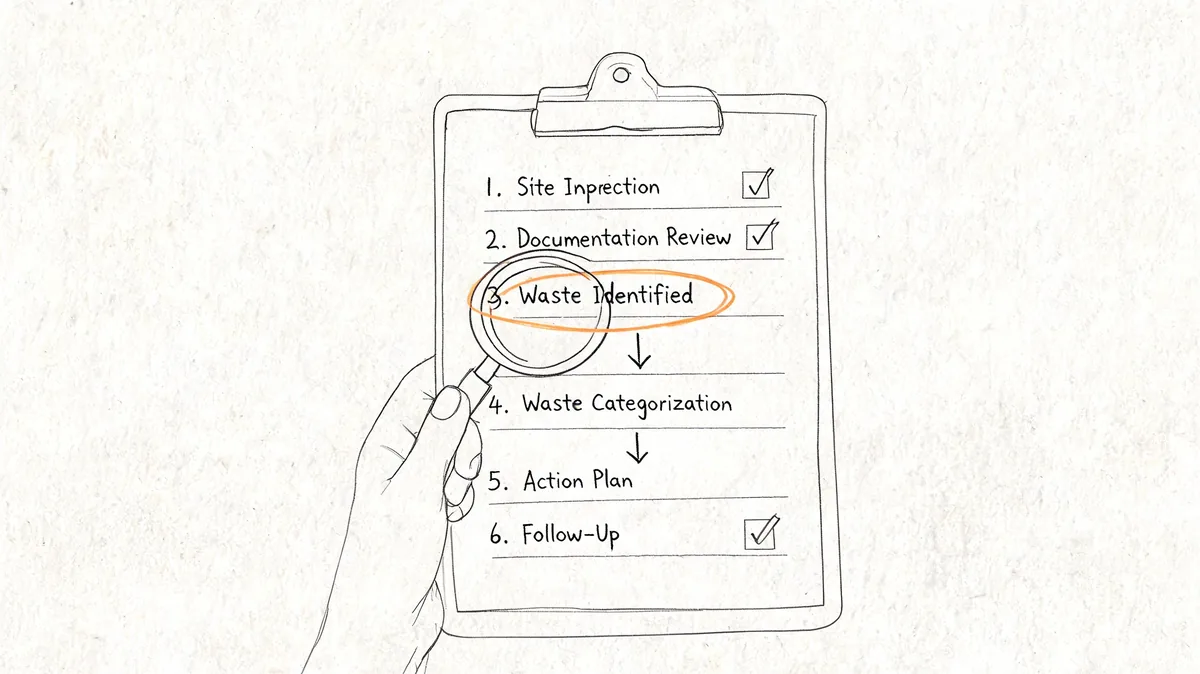
Export or review your current user list in Admin Center and isolate light agents first.
Check for:
- Inactive people: Former employees, contractors, or internal users who no longer need access.
- Misfit assignments: People marked as light agents even though they work tickets.
- Duplicate access patterns: Users who have Zendesk access for one-off reasons that expired months ago.
If you can't explain why someone still has access, treat that as a review item.
Check for hidden paid-seat conflicts
Many audits often encounter issues. The account may show a user as a light agent, but the permission mix may still consume a paid seat.
Look for users who have:
- Higher-level product roles: Especially permissions that turn a "free" collaborator into a paid support user.
- Reporting access beyond what the job needs: Useful on some plans, risky when left broad.
- Role drift after internal moves: Common after promotions or temporary projects.
A seat audit isn't just counting users. You're checking whether each person's role and permission set still line up.
Compare assigned light agents to your plan limit
Once the list is clean, compare it against what your Zendesk plan includes. If you're over the included amount, make sure every extra seat has a real business reason behind it.
Use this review to separate:
- Active collaborators who still need access
- Dormant internal users who can be removed
- Users better moved to full agent
- Users better downgraded from full agent into light agent
Audit the edge cases first. That's where wasted spend hides, and where accidental over-permissioning usually shows up.
Review activity before renewal, not after
Do this before procurement is finalizing your next term. If you wait until the renewal quote lands, you're negotiating from stale access data.
A manual review works, but it's slow. You have to pull users, check roles, inspect activity, and spot exceptions one by one. That's exactly why teams end up skipping it.
What to Do Before Your Next Zendesk Renewal
Don't wait for the quote to tell you there's a problem.
Before your next renewal, review every full agent who only collaborates occasionally. Review every light agent with extra permissions. Review every inactive internal user who still has access because nobody cleaned up after a team change. Then compare what you find against your included light agent capacity and your actual support workflow.
If you need a broader cost review before you go back to Zendesk, this guide on how to reduce Zendesk cost before renewal is a good place to pressure-test your seat mix.
The goal isn't to force everyone into the cheapest role. The goal is to stop paying full price for partial use. Light agents help when you treat them as a governed collaboration role, not as an afterthought.
If you want a faster way to spot idle seats and downgrade candidates, LicenseTrim connects to Zendesk with read-only API access, audits agent usage, and shows where you're paying for access nobody is using. It gives you a concrete starting point before renewal, without changing anything automatically.