Meta description: Vet a Zendesk app before OAuth approval. Use this software security review playbook to check scopes, vendor evidence, red flags, and monitoring.
A team lead sends you a Zendesk Marketplace link and says they need it today. The app promises better reporting, faster routing, or cleaner agent workflows. It also wants OAuth access to your Zendesk instance, which usually means tickets, users, groups, org data, and a path into one of the systems that holds your customer conversations.
That's where most app reviews go wrong. People read the marketing page, skim the install screen, and treat approval like a feature request. It isn't. It's a software security review tied to customer data, internal workflows, and your admin accountability.
If you run Zendesk in a mid-sized company, you don't need a giant security team to do this well. You need a repeatable checklist, a bias toward evidence, and enough discipline to say “not yet” when an app asks for more than its job requires.
Before You Connect That New Zendesk App
The mistake is thinking a small Zendesk app creates small risk. It doesn't.
A lightweight analytics add-on can still read ticket content, requester details, internal notes, and agent identities. A workflow app can often write back into tickets or users. Once OAuth is approved, your review window is over and your monitoring window begins.
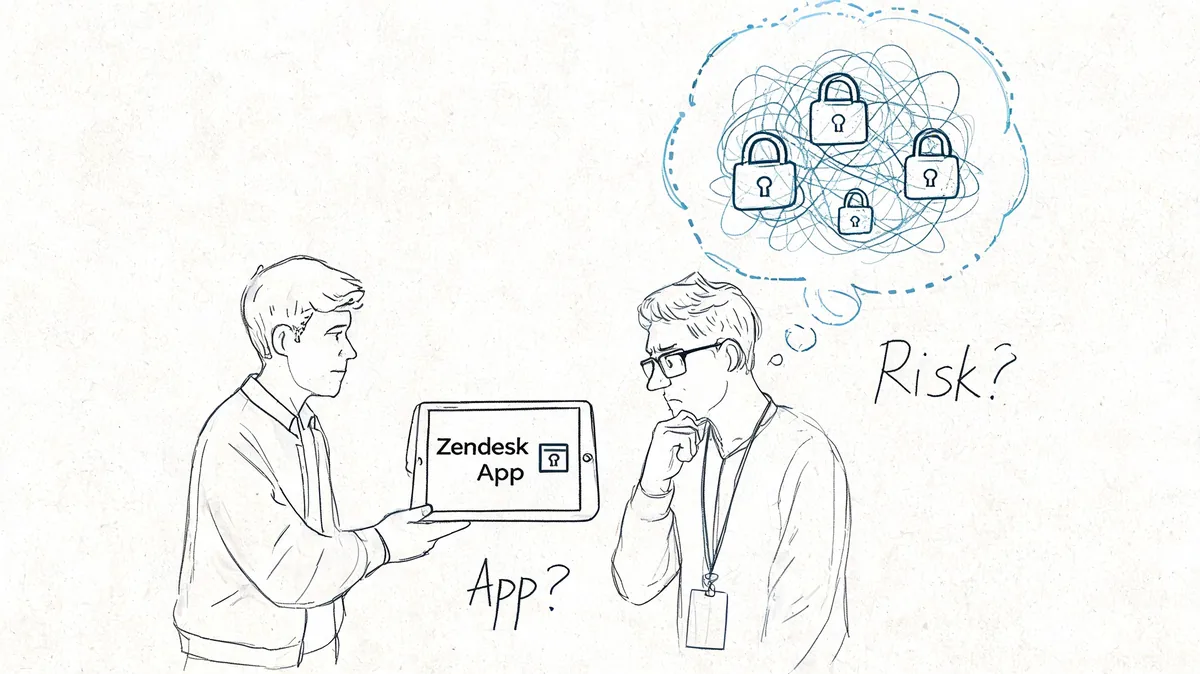
Why approval needs a real gate
Broad code scanning still finds a lot of problems. Around 80% of applications still have at least one security flaw, while the rate of fixing major flaws has improved in mature programs, according to Aspen Digital's summary of software security measurement. That's the practical takeaway. You should expect flaws to exist somewhere, then judge whether the vendor finds and fixes the right ones fast enough.
That's also why “it's in the marketplace” isn't a security answer. Marketplace presence might tell you the app is available. It doesn't tell you whether the permission model fits your use case, whether the vendor stores exported data too long, or whether their app can be removed cleanly if things go sideways.
Practical rule: If an app touches tickets, users, or reporting exports, treat it like a data-sharing decision, not a convenience install.
Start with the request, not the vendor pitch
Before I look at any trust center, I want the internal request in writing. What problem does the team want solved. Which Zendesk objects does the app need. Who owns it after installation. Who will review it again in six months.
If your company already runs privacy reviews for third-party tools, adapt that process here. A good starting point is an essential martech PIA template, because it forces the same basic discipline. What data moves, who receives it, and what the business gets in return.
One more trap. Zendesk apps often arrive through side doors, an ops manager testing a plugin, a support lead buying a point tool, an agency recommending “just one connector.” That's classic shadow IT risk inside your stack. If app approvals aren't centralized, your security review won't be either.
Map the Data Flow and API Permissions
Before you review the vendor, review the integration. Most bad approvals happen because the buyer never mapped what the app can do.
Government reporting has been blunt on this point. A major security risk comes from an incomplete understanding of what software really does, a “software understanding gap” that leaves teams relying on vendor claims instead of the technical reality of the integration, as described in the joint guide on closing the software understanding gap.
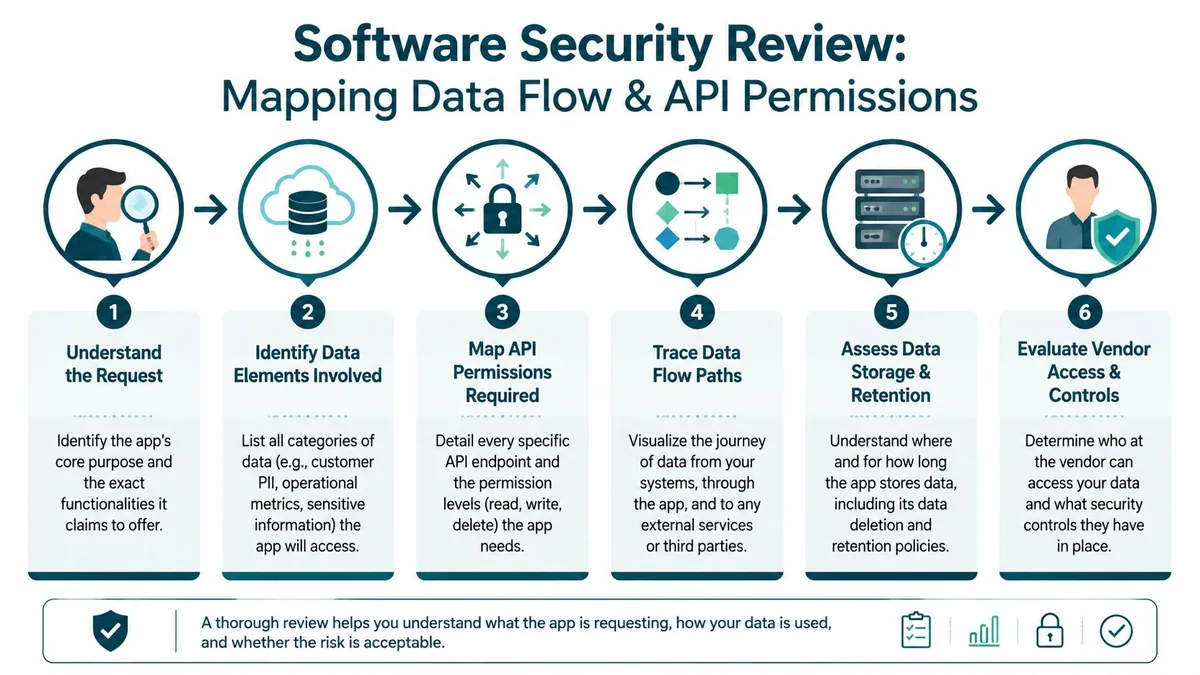
Read the OAuth ask like a contract
The install screen tells you more than the sales page. Slow down and translate each permission into business exposure.
A useful working method:
Write the app's stated purpose
“Ticket analytics” and “QA scoring” are not the same thing. One may need aggregates. The other may need ticket content and user context.List the data categories involved
Tickets, comments, internal notes, attachments, user profiles, org fields, agent identities, macros, schedules, audit data.Mark the access level
Read, write, admin, delete, or background sync. A reporting tool asking for write access deserves hard scrutiny.Trace where the data goes next
Into the vendor app, then maybe into a warehouse, LLM provider, support subcontractor, logging tool, or email system.Document retention and deletion
If you disconnect the app today, what remains in their system next week.
If you can't explain the path from Zendesk record to vendor storage in a few lines, you don't understand the risk yet.
A few permission mismatches that should bother you
You'll see patterns quickly once you start doing this.
| App type | Normal expectation | Permission request that needs pushback |
|---|---|---|
| Reporting app | Read access to reporting data it actually uses | Write access to tickets or users |
| CSAT dashboard | Read ticket and survey-related data | Broad admin rights |
| Macro assistant | Limited access tied to macro or ticket workflow | Access to unrelated user or org management |
| License or usage audit tool | Read-only API access | Any request to modify users automatically |
Use this map to decide what evidence you need next. A vendor handling anonymized reporting extracts is one review. A vendor reading full ticket bodies, attachments, and requester details is a different review.
For teams trying to standardize how they evaluate connected tools, it helps to keep your app inventory and integration map in one place. That's the operational side of SaaS integration software. You can't govern what nobody has documented.
Write down the minimum acceptable scope
Don't ask “is the app secure.” Ask “what is the minimum access needed for this app to do its job.”
That wording changes the conversation. Vendors now have to justify scope creep. Your internal requester has to defend business need. Legal and security have something concrete to review instead of a vague “we trust them.”
The Vendor Evidence You Must Request
Once you know what data the app will touch, ask the vendor for proof. Not promises, not badges, and not a polished trust page with no downloadable detail.
A mature vendor won't act surprised by this request. They should have a process for security review, a packet they can share under NDA if needed, and a contact who can answer follow-up questions without turning every answer into a sales call.
The shortlist that matters
Use the table below as your default evidence checklist.
| Document | What to Look For |
|---|---|
| SOC 2 Type II report | Current period, relevant systems in scope, no hand-wavy exclusions, and no qualified opinion buried in the report |
| Penetration test report | Recent test, external firm named, application scope included, findings summary, and evidence that serious issues were addressed |
| Data Processing Addendum | Clear processor terms, subprocessors, breach notification language, data deletion terms, and international transfer details if relevant |
| Security questionnaire or trust center materials | Specific answers, named controls, and consistency with the other documents |
| Architecture or data flow summary | Where customer data is stored, who can access it, and what services sit behind the product |
| Incident response overview | How they detect, escalate, communicate, and contain a security incident |
What good and bad look like
A SOC 2 Type II tells you controls were operating over a period of time. That's more useful than a point-in-time statement. If the report excludes the product you're buying, or limits scope to a tiny part of the company, it doesn't answer your question.
A pen test report should cover the actual app or API you'll connect to Zendesk. I've seen vendors send a pentest summary for their marketing website and present it as proof of product security. That's not evidence. It's deflection.
A DPA is where a lot of practical risk hides. Check whether subprocessors are named, whether deletion terms are clear, and whether the document matches the actual data flow you already mapped. If the DPA says they don't process personal data, but the app reads ticket requester details, something is off.
A vendor who can't explain what data they store after disconnect is telling you they haven't thought hard enough about offboarding.
Questions worth asking on the follow-up call
Not every answer needs to be written into a huge questionnaire. A short call can surface weak spots fast.
- Scope alignment: Does the audit scope cover the app, API, and production environment you're buying
- Access controls: Which staff roles can access customer data, and under what conditions
- Retention discipline: How long is imported Zendesk data retained after sync or disconnect
- Logging limits: Do they log ticket content, attachments, or secrets in support tooling
- Subprocessor reality: Which cloud, analytics, AI, or support vendors touch your data
If your procurement or legal process already asks for contract artifacts, keep security tied to those records. That avoids the usual mess where the MSA gets signed but the technical review never finishes. If you need a refresher on where contract ownership usually sits, this guide on what an MSA agreement covers is a good internal handoff reference.
Technical Verification Steps You Can Take
Documents matter, but they don't close the loop. You should still do a few checks yourself.
They won't replace a real assessment. They will tell you whether the vendor's public posture matches the maturity they claim in the sales process.
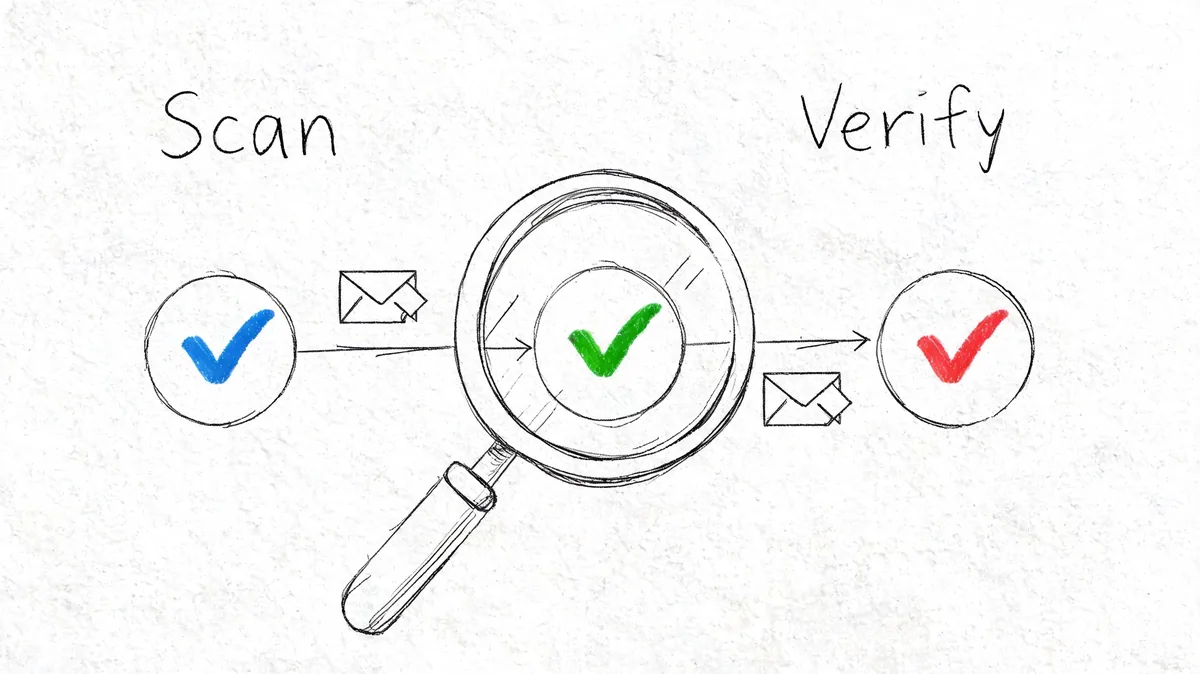
Check their public hygiene
Start with the vendor's main app domain and website. Use public tools to inspect security headers and TLS configuration. You're not looking for perfection. You're looking for signs of carelessness, stale setup, or a company that talks a bigger security game than it plays.
Then look at their domain email posture. If a company wants API access to your customer support stack but doesn't protect its own domain well, that's a signal. Weak email security often shows up later as account takeover, phishing exposure, or sloppy operational controls.
You can also search public breach reporting and vendor disclosure pages. I don't auto-reject a vendor for having had an incident. I do care a lot about whether they disclosed it clearly, learned from it, and can explain the changes they made.
Look beyond first-party code
The supply chain is where a lot of teams still under-review vendor risk. According to ReversingLabs' application security statistics, malicious open-source packages on npm increased 73% year over year in 2025. If a vendor builds fast on modern JavaScript stacks, dependency hygiene is part of your software security review whether they mention it or not.
That doesn't mean you need their full repository. It means you should ask sharper questions.
- Dependency process: How do they vet packages before adding them
- Patch discipline: How do they handle vulnerable dependencies in production systems
- Secret handling: What prevents tokens and credentials from leaking into builds or logs
- Release controls: Who approves production changes for the app connected to Zendesk
If you want a grounded reference for what teams look for when they scrutinize code for security flaws, use it as a benchmark for the kinds of controls and review habits a serious vendor should already have.
Watch how they respond under pressure
The answers matter. The speed and clarity matter too.
A solid vendor can usually answer these checks without drama. A weak one gets vague, reroutes you to marketing, or says their security details are “confidential” while still asking for broad OAuth permissions.
For a quick visual primer you can hand to a teammate, this walkthrough is useful:
Red Flags and a Simple Decision Rubric
By this point you should have enough to make a call. Don't overcomplicate it. Most decisions come down to data scope, evidence quality, and whether the requested access matches the app's job.
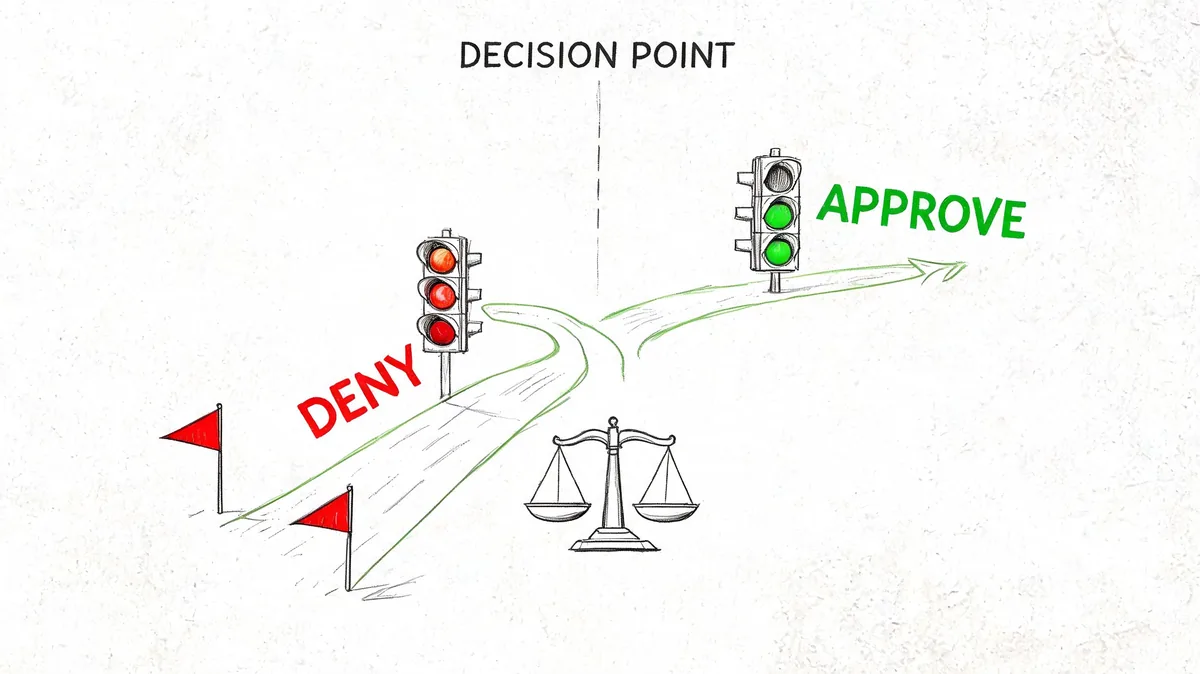
Hard no-go signs
Some findings should stop the review.
- Permission mismatch: A read-focused app wants write or admin access with no defensible reason
- Evidence refusal: The vendor won't share basic security documents, even under NDA
- Scope confusion: Their audit or pen test covers something other than the product you're buying
- Retention fog: They can't tell you what data they keep after disconnect
- Access ambiguity: They can't explain which employees can access customer data
- Security theater: Lots of badges, no specifics, no technical owner available
Any one of those can be enough for a deny decision, especially if the app touches ticket bodies, attachments, or user records.
“Approve with conditions” is not a polite way to ignore a real red flag.
Use a compact risk rubric
OWASP frames risk as Likelihood × Impact in its risk rating methodology. That's useful here because it keeps you from treating every issue the same.
Use a short internal scorecard like this:
| Review area | Low concern | Higher concern |
|---|---|---|
| Data scope | Limited read access, narrow objects | Broad access to tickets, users, attachments, or write functions |
| Business necessity | Clear use case and named owner | Nice-to-have tool with fuzzy ownership |
| Vendor maturity | Good evidence, consistent answers | Missing docs, inconsistent claims |
| Technical hygiene | Public posture looks cared for | Public signs of neglect or poor follow-up |
| Offboarding | Clear disconnect and deletion process | No reliable deprovisioning path |
Then assign one of three outcomes.
The decision labels I use
Approve when scope is limited, the business need is real, and the evidence holds up.
Approve with conditions when the use case is valid but you need constraints. That might mean limited pilot users, a shorter contract term, written deletion terms, or waiting for narrower OAuth scope.
Deny when the app asks for too much, the vendor can't back up claims, or your team would be accepting blind risk to solve a modest workflow problem.
The value of a rubric isn't math. It's consistency. When leadership asks why one app passed and another didn't, you have a documented answer that ties risk to actual exposure.
Post-Approval Monitoring and Your Next Steps
Approval isn't the finish line. It's the start of ownership.
That's especially true because security quality drifts over time. Research discussed in a 2025 study on developer security review behavior notes that developers are often unaware of secure coding guidelines or push security to later stages. In practice, that means an app that looked acceptable at install can become a problem later if nobody checks whether controls, permissions, or business need have changed.
What to review after the app is live
Put every connected Zendesk app on a recurring review calendar. Annual is the minimum. Before renewal is smarter.
Review these points each time:
- Permission drift: Does the app still need the same access it was granted
- Business value: Is the team still using it, or is it shelfware with live access
- Vendor changes: New ownership, new subprocessors, new product features, new AI dependencies
- Offboarding readiness: Can you revoke OAuth, remove users, export needed data, and confirm deletion
- Fallback plan: If the vendor has an incident tomorrow, who pulls the plug
A dormant app with valid OAuth access is still an active risk.
Build the inventory first
If you're behind on this, don't start with a giant policy memo. Start with a spreadsheet or system record of every Zendesk app, who requested it, what it accesses, renewal date, and review owner.
That inventory will also help you tie security review to budget review. Some apps are risky and expensive. Some are low risk but no longer used. Some are fine to keep if you narrow who has access and keep an eye on vendor changes. Security teams often borrow from vulnerability programs when making these calls, and this piece on prioritizing vulnerability risk is a good mental model for ranking what needs attention first.
Your next move is practical. Export your current Zendesk app list, pick the top three by data exposure, and run this checklist on them before the next renewal cycle.
If you also want to tighten Zendesk access on the cost side, LicenseTrim is worth a look. It connects to Zendesk with read-only OAuth access, finds inactive or underused agent licenses, and gives you a concrete report on wasted spend before renewal.