Meta description: Zendesk renewals keep creeping up. Learn practical saas contract management to track clauses, reclaim idle seats, and cut waste before renewal.
You inherit Zendesk, open the latest invoice, and the total is higher than you expected. Nobody warned you about the renewal date. Nobody can explain which agents still need paid seats. Finance wants a reason. Support wants zero disruption. Procurement is nowhere near this mess.
That’s the reality of saas contract management for most mid-market teams. It isn’t a legal exercise. It’s ongoing operational work, and if nobody owns it, costs drift upward while accountability disappears.
The bigger issue isn’t just one Zendesk invoice. Organizations lose an estimated 9-30% of total software spend through waste, shadow IT, and missed optimization opportunities, and research from World Commerce & Contracting found an average 9.2% value leakage from ineffective contract management, as summarized in Sirion’s SaaS contract management overview. If you want a practical way to think about finding that waste, start with a focused look at license auditing software for SaaS spend control.
Your Zendesk Bill Went Up Again?
The pattern is usually the same. Zendesk renews. Seat counts stayed inflated because nobody cleaned up old agents. A price increase slips through because the notice window passed. Then the team treats the invoice like bad weather, annoying, but unavoidable.
It isn’t unavoidable.
What usually happened was smaller and more boring than people expect. Someone changed roles and kept a license. A manager requested extra seats during a busy quarter and nobody reviewed them later. The contract auto-renewed before anyone checked actual usage. Those are operating failures, not one-off surprises.
The problem is bigger than one invoice
If you only look at Zendesk once a year, you’re making decisions when your bargaining power is weakest. By then, the contract is close to renewing, the team is busy, and nobody wants to risk support coverage by removing agents in a hurry.
Practical rule: If your first serious review happens inside the renewal window, you’re already late.
Zendesk just makes the pain visible because per-agent pricing is easy to spot. The same pattern usually exists across other tools too. Slack, CRM seats, project software, survey tools, meeting add-ons. Each one looks manageable on its own. Together, they create a budget leak.
Why admins end up owning it
In a mid-market company, the person closest to the tool often becomes the unofficial contract owner. That’s usually the Zendesk admin, IT manager, or ops lead. You may not negotiate legal terms, but you’re the one who knows whether those paid agents are active, whether light users need full access, and whether the current setup matches reality.
That’s why good saas contract management starts with operations, not legal language. You need a working system for dates, seat counts, ownership, and usage. Without that, every renewal becomes an expensive guess.
The SaaS Contract Management Lifecycle Explained
Contracts are often treated as a purchase event. Sign it, save the PDF somewhere, move on. That’s why renewals become fire drills.
A better model is a lifecycle. Not because it sounds neat, but because each phase has a different failure mode. If you know where things break, you can put light process around it.
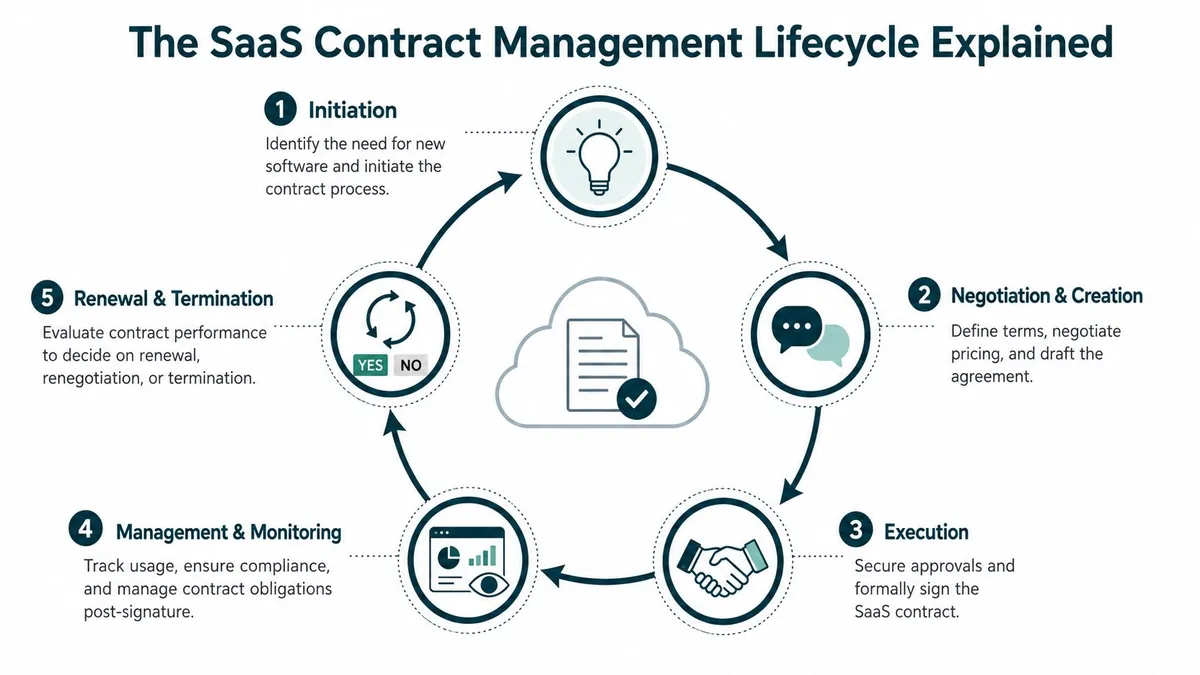
Five stages that matter in practice
| Stage | Primary Goal | Key Activities |
|---|---|---|
| Onboarding | Start clean | Save the contract, record owner, note renewal and notice terms |
| Provisioning | Match access to need | Assign the right Zendesk roles, seat types, and approvals |
| Management | Keep the contract aligned with reality | Review usage, track seat changes, store amendments, check invoices |
| Renewal | Decide with data | Audit activity, compare seat count to actual need, prepare negotiation points |
| Offboarding | Stop paying for people who left | Remove access, reclaim seats, document changes |
That’s the core of saas contract management for a working admin team. If you want a more procurement-centered view of the same discipline, this guide on contract management for procurement teams is useful context.
Who should own what
One mistake I see often is giving full ownership to one team. Finance tracks spend but not daily usage. IT controls access but not budget approvals. Support managers know who needs a seat but often don’t track contract dates.
A workable split looks like this:
- IT or system admin keeps the system of record for users, roles, and access changes
- Finance or ops checks invoices, budget impact, and renewal timing
- Department lead confirms who needs paid seats
- Procurement or legal steps in when terms need review or escalation
The contract owner and the system owner don’t have to be the same person. They do need one shared record.
What changes when you use a lifecycle view
You stop seeing the contract as fixed for a year. Instead, you manage decisions as they happen. New manager joins, seat added. Agent goes inactive, seat reviewed. Renewal notice approaches, data already prepared.
That shift matters because reactive teams usually discover problems too late. Lifecycle thinking won’t make contract management glamorous, but it will make it predictable. For a busy Zendesk owner, that’s a significant win.
Key Contract Clauses and Hidden Risks
The expensive parts of a SaaS agreement are rarely hidden in the sense of being impossible to find. They’re hidden because nobody translates them into operational actions.
That’s where contracts bite. The clause exists in the PDF. The cost shows up months later in your invoice.
Auto-renewal and notice windows
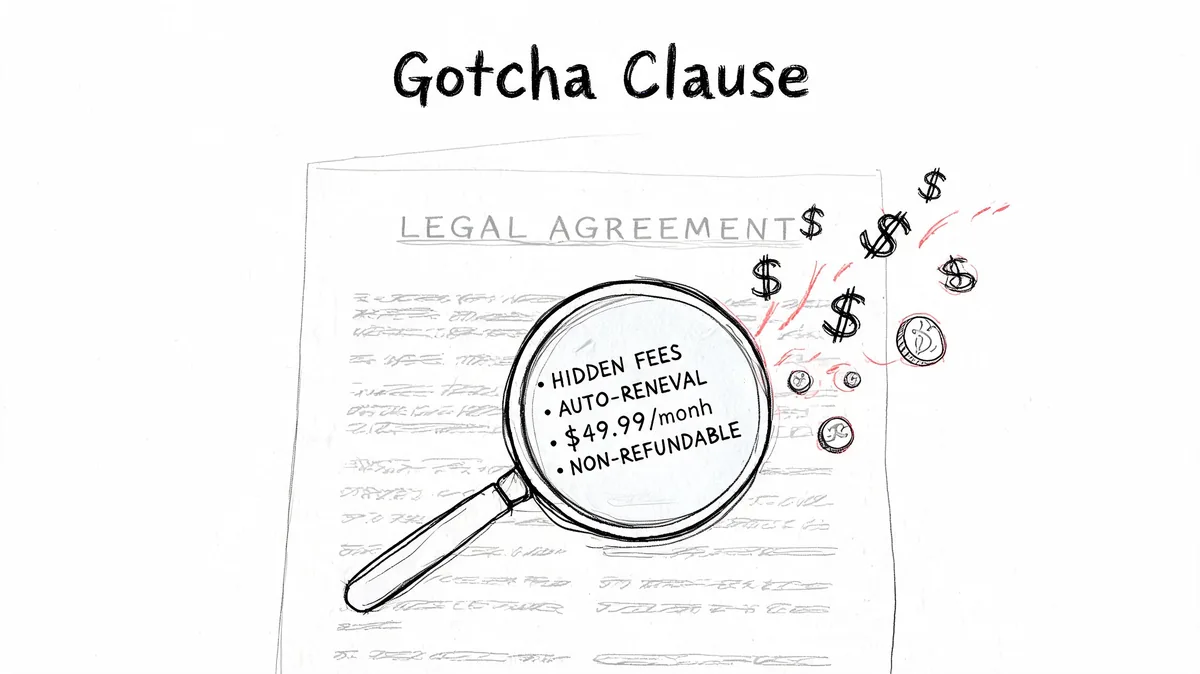
Auto-renewal clauses are standard in 90%+ of agreements, hidden escalators often run 7-15% year over year, and manual tracking of the required 30-90 day notice periods fails 70% of the time, according to Leah’s SaaS contract management best practices.
For a Zendesk admin, that translates into one blunt risk. Miss the notice date and you’re no longer deciding whether the current setup still fits. You’re living with last year’s assumptions plus a higher bill.
If you need a plain-English primer on the master agreement layer behind vendor terms, read this overview of what an MSA agreement covers.
Price escalators look small until seat counts are large
A modest annual uplift doesn’t feel urgent when you read the clause. It feels very different when it hits a live contract with dozens of agents.
Here’s a practical example using the pricing rates in your brief.
| Zendesk plan | Annual billing rate per agent per month | 50 agents monthly cost | 10% uplift monthly cost |
|---|---|---|---|
| Suite Team | $55 | $2,750 | $3,025 |
| Growth | $89 | $4,450 | $4,895 |
| Professional | $115 | $5,750 | $6,325 |
| Enterprise | $169+ | $8,450+ | $9,295+ |
That’s before you deal with idle seats. If the contract renewed with more paid agents than your team needs, the uplift applies to waste too.
Don’t review price increase clauses in isolation. Review them against current seat counts.
Data access and offboarding terms
When a vendor relationship changes, your team needs to know what happens to data, exports, and access after termination. If the contract is vague, operations gets messy fast. Support leaders care about continuity. Security teams care about data handling. Finance cares about avoiding overlap with a replacement tool.
Look for language covering:
- Data ownership so your records remain accessible to your team
- Export rights so you can pull what you need before access changes
- Deletion timelines so security and compliance teams know what happens next
- Migration support if you may move vendors later
SLA language that matters operationally
Many teams glance at SLA wording and move on. That’s a mistake if Zendesk is business-critical. What matters isn’t legal elegance. It’s whether the contract defines service expectations clearly enough for you to challenge poor performance later.
Read SLA clauses with one lens. Could your team point to the exact term if uptime, response handling, or support obligations become a problem? If not, the clause may not help much when you need it.
Building Your Operational Playbook
You don’t need an enterprise contract platform to regain control. You need a repeatable operating routine that survives busy weeks and staff changes.
That matters because Gartner warns that organizations failing to centralize and coordinate SaaS life cycles will overspend on SaaS by at least 25% through 2027, and BetterCloud gives one concrete example where failing to reclaim seats for 40 employees leaving a 200-seat contract can waste about $43,200 annually on unused licenses, as noted in BetterCloud’s SaaS statistics roundup.
Your starter playbook
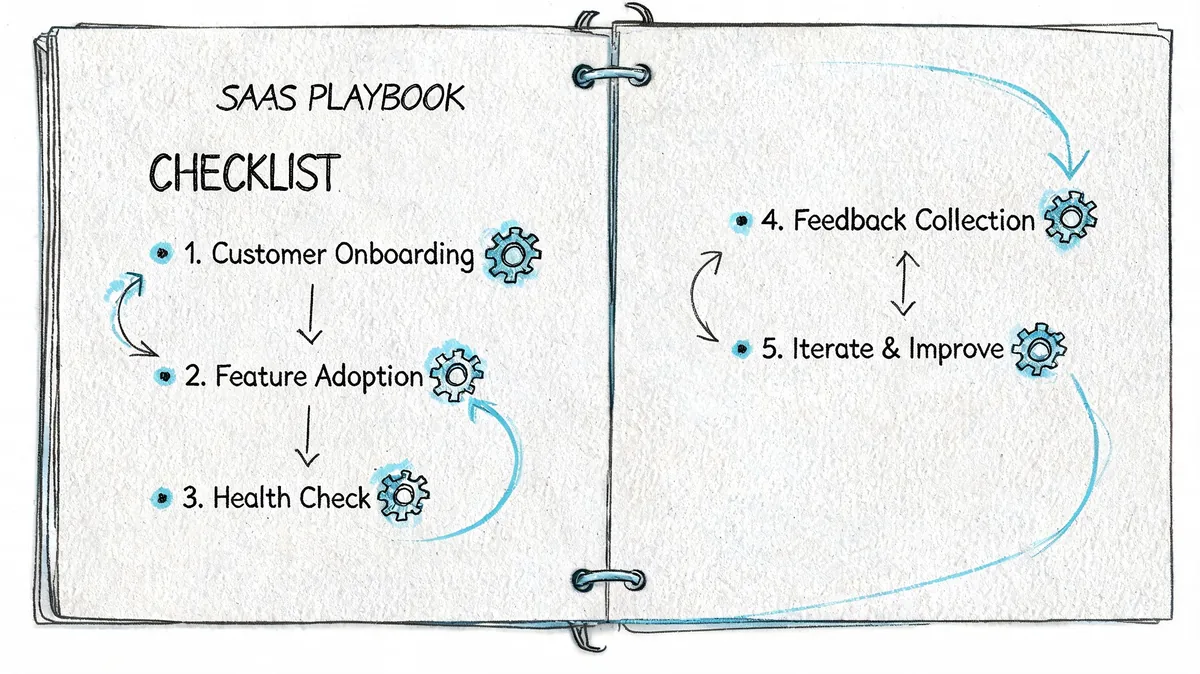
Keep it lightweight. A shared folder, a spreadsheet, a calendar, and one owner per contract are enough to start.
When you add a new SaaS tool
- Save the paperwork: Store the order form, renewal terms, amendment history, and billing contact in one place.
- Record the dates: Capture start date, renewal date, and notice period on day one.
- Assign ownership: Name one operational owner and one budget owner.
When someone requests more seats
- Ask why now: Temporary project, permanent headcount, or just convenience.
- Check current usage first: Don’t add seats before reviewing inactive or low-use accounts.
- Write down the change: Note who approved it and whether it should be reviewed later.
Renewal prep that isn’t painful
The best renewal review starts before anyone feels rushed. If the contract has a notice window, build around that, not around the invoice date.
A basic review should answer four things:
- Are all paid agents still active?
- Do current roles match actual usage?
- Has the team outgrown the plan, or just accumulated waste?
- Are there terms worth challenging before renewal locks in?
Working rule: Renewal prep should start while you still have time to reduce seats, not after finance asks why the bill jumped.
Offboarding is where money leaks fastest
A lot of waste comes from ordinary HR movement. People leave. People transfer. Temporary managers keep access longer than intended. If offboarding doesn’t include software cleanup, the contract drifts out of sync with reality.
Use a short checklist:
- Remove access quickly: Tie Zendesk access review to the employee exit process.
- Reclaim the seat: Confirm whether the license is removed, reassigned, or still needed.
- Check connected tools: If the person had admin access, review related apps and integrations too.
This isn’t glamorous work. It does, however, prevent the kind of budget waste that shows up months later with no obvious cause.
Monitoring Usage to Find Mid-Cycle Savings
The biggest miss in most saas contract management programs is what happens between signature and renewal. Teams act like costs are fixed for the term, then scramble once the renewal email lands.
That leaves money sitting on the table for months.
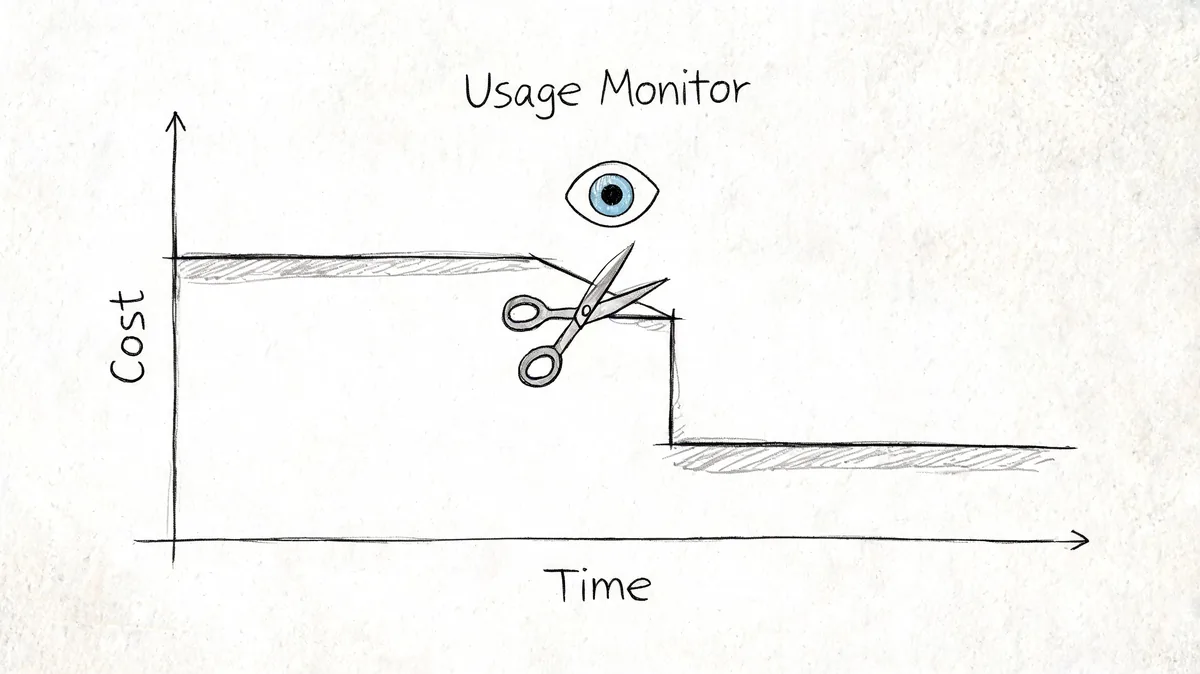
Most organizations feel locked into their contracts and only discover 20-30% unused software capacity during the annual renewal, while for Zendesk customers agent costs can represent 40-60% of the total budget, according to Calero’s guide to right-sizing SaaS contracts.
What to look for mid-cycle
You’re not usually renegotiating the contract in the middle of the term. You’re cleaning up what your team already controls.
That usually means:
- Inactive agents who haven’t been doing meaningful work in Zendesk
- Role mismatch where users keep expensive access they no longer need
- Temporary additions that unintentionally became permanent
- Department drift where old team structures remain in the account
A monthly usage review is often enough for mid-market teams. Weekly is overkill for most. Annual is too late.
Manual reviews work, until they don’t
You can do this with exports and spreadsheets. Plenty of teams do. The problem is consistency. Busy admins rarely keep a monthly audit habit when tickets spike, staffing changes, or another system breaks first.
That’s where tools can help, if they solve one narrow problem well. For Zendesk specifically, LicenseTrim connects through OAuth, checks agent activity, flags inactive users, and shows the cost tied to unused licenses. It doesn’t replace broader contract management. It covers the mid-cycle seat cleanup work that usually gets skipped.
Before you buy anything, prove the process manually once. Pull usage. Compare it to paid seats. See how many accounts you’d reclaim. If the answer is “more than we expected,” automation probably earns its keep.
A quick demo of the workflow helps make that real:
The fastest savings usually come from removing seats you already know you don’t need, but never had time to verify.
What to Do Before Your Next Zendesk Renewal
A common failure looks like this. Renewal notice hits the inbox, the price is higher than expected, and nobody is fully sure which seats are still justified, what notice period applies, or who approved the last change. At that point, the vendor has a timeline and your team has a scramble.
The fix is less about procurement technique and more about operating discipline. If you own Zendesk because it landed on your desk with the budget, focus on three things before renewal: a trusted contract record, shared reminders, and current usage evidence.
Step one, centralize the contract record
Pull the current agreement, amendments, invoices, renewal terms, and internal owner names into one place. Keep one version your team can trust.
If someone asks, “What is our notice window?” or “Who can approve seat changes?” you should be able to answer without digging through email. If you cannot, clean that up before you discuss pricing or terms.
This matters more than people expect. Renewal mistakes often start with bad records, not bad negotiation.
Step two, set alerts before the panic window
Create reminders for the dates that change your options. Generally, alerts at 90 days, 60 days, and 30 days before renewal are enough.
Do not leave those reminders with one admin or finance contact. Put them in a shared calendar, ticket queue, or other system the team already watches. People leave. People go on vacation. Contracts should not depend on one inbox.
Step three, audit what changed during the year
Before any vendor call, confirm what happened since the last renewal. Which teams added seats? Which roles changed? Which users still need full agent access? Which exceptions were supposed to be temporary?
That review gives you a usable position. Without it, you end up discussing next year’s bill based on old assumptions and partial memory.
For a busy Zendesk owner, this is the practical version of SaaS contract management. Not a full procurement program. Just enough governance to avoid sleepwalking into another year of waste.
For the seat audit itself, manual review is still a valid starting point. If that process keeps slipping, LicenseTrim can help by identifying inactive agents and estimating the spend tied to unused licenses. The point is not to add another platform for the sake of it. The point is to walk into renewal with a clean list of what should stay, what should drop, and what needs a real business owner.
Teams that keep Zendesk costs under control usually do a few boring things consistently. They keep the contract file clean. They set reminders early. They review usage before the vendor does.
If you want a faster way to check Zendesk license waste before renewal, LicenseTrim is built for that specific job. It connects to Zendesk, finds inactive agents, and shows the spend tied to unused seats so you can decide what to remove before the next bill locks in.