Meta description: Software costs keep climbing when Zendesk seats go unmanaged. Learn a practical business spending management approach to find waste and control licenses.
Your Zendesk bill rarely jumps because of one big decision. It grows through small misses. A few agents added for onboarding. A contractor seat left active after a project. An admin keeping extra licenses around because hiring plans might change.
That’s what business spending management looks like in real life. Not theory. Not procurement jargon. It’s the work of knowing what you’re paying for, who needs it, and what should be removed before it turns into a recurring cost you stop questioning.
Why Your Software Spend Keeps Growing
You add five Zendesk agents in a busy quarter. Two people move to another team. One leaves. A temporary contractor finishes. The licenses stay active because nobody wants to break support coverage. A month later, finance flags the invoice. Everyone agrees there’s probably waste, but nobody can say exactly where.

That’s a normal mid-market setup. Teams aren’t ignoring the problem. They’re stuck with partial data, manual checks, and too many systems that don’t line up. If you want a grounded view of how recurring apps stack up over time, this breakdown of the cost of SaaS for growing teams is worth a look.
It’s not just your team
The broader market points in the same direction. A projection cited by Veridion says the global Business Spend Management software market was worth about USD 23.36 billion in 2024 and is expected to reach roughly USD 56.0 to 57.2 billion by 2032, with a projected 11.2 to 11.7% CAGR over that period, which shows how many companies now treat spend management as an operating priority, not a back-office task (Veridion market projection).
That trend matters because software waste usually hides inside ordinary admin work. No fraud. No dramatic failure. Just licenses that stay live longer than the need that created them.
Practical rule: If your team can’t answer “who used this seat in the last month” without exporting CSVs, you don’t have control yet.
Why Zendesk gets missed
Zendesk often escapes scrutiny because it sits between IT, support, and finance. Support leaders need speed. IT wants governance. Finance sees the bill after the fact.
Per-seat tools are where that tension shows up fastest. They’re easy to add, hard to review consistently, and expensive to leave untouched.
A Practical Framework for Business Spending Management
Most business spending management work comes down to three jobs. See it. Control it. Improve it. If one of those is missing, the whole system gets sloppy.
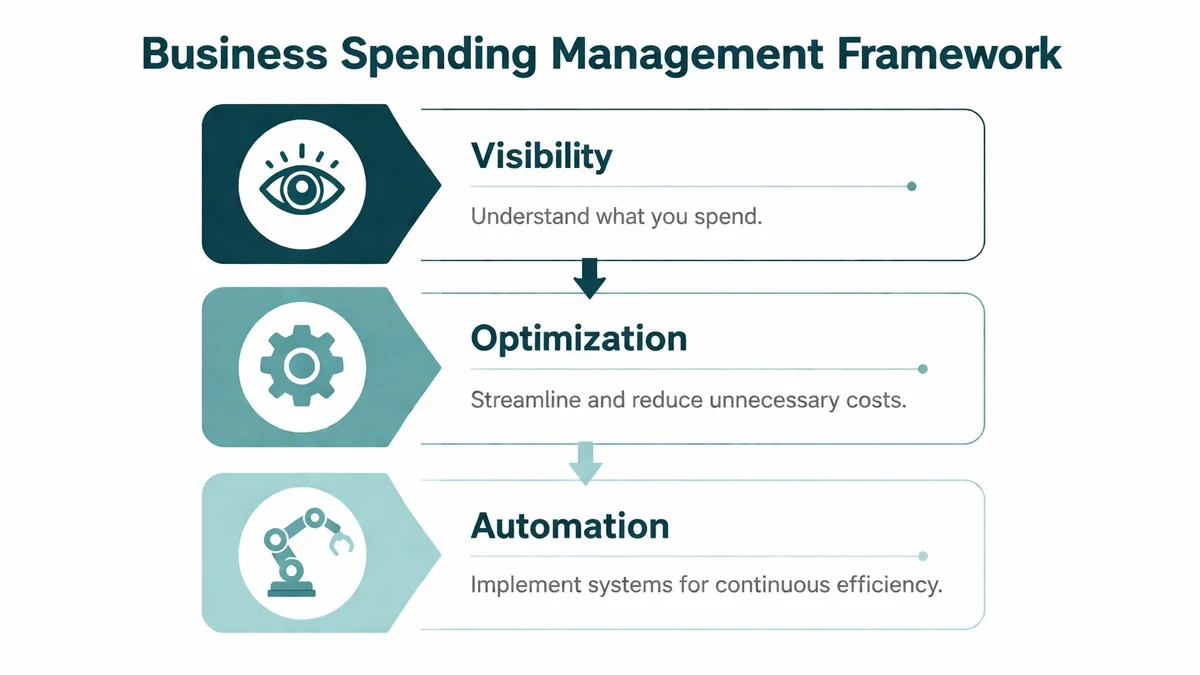
Visibility
You need one view of spend across procurement, accounts payable, expenses, cards, and recurring software. Research summarized by OpStream says organizations that consolidate spend data into a single data model achieve 15 to 30% higher visibility into non-procurement spend (OpStream on spend visibility).
For software, visibility means more than “we have a contract.” It means you can tie a paid seat to an active user, a team, a purpose, and a renewal date. If your vendor list lives in one spreadsheet and Zendesk users live somewhere else, start by tightening your IT vendor management process.
Control
Control is where teams usually overcorrect. Too little control and anyone can add seats. Too much control and support managers work around the process.
Good control is boring on purpose:
- Approval rules: New seats need a clear owner and reason.
- Offboarding checks: Removed staff trigger license review.
- Renewal dates: Contracts shouldn’t surprise anyone.
- Role limits: Admin seats need extra scrutiny.
Business spending management fails when ownership is fuzzy. Every recurring tool needs a person who can say “keep it” or “cut it.”
Optimization
Optimization starts after you trust the data. That’s when you look for duplicate tools, inactive users, wrong plan levels, and renewals that no longer fit current headcount.
A lot of teams try to optimize first. They jump to cutting seats before they’ve fixed visibility or control. That usually creates friction, not savings.
Where Your Software Budget Is Actually Going
The waste usually isn’t in the tools everyone knows about. It’s in the overlap, the leftovers, and the seats nobody revisits.
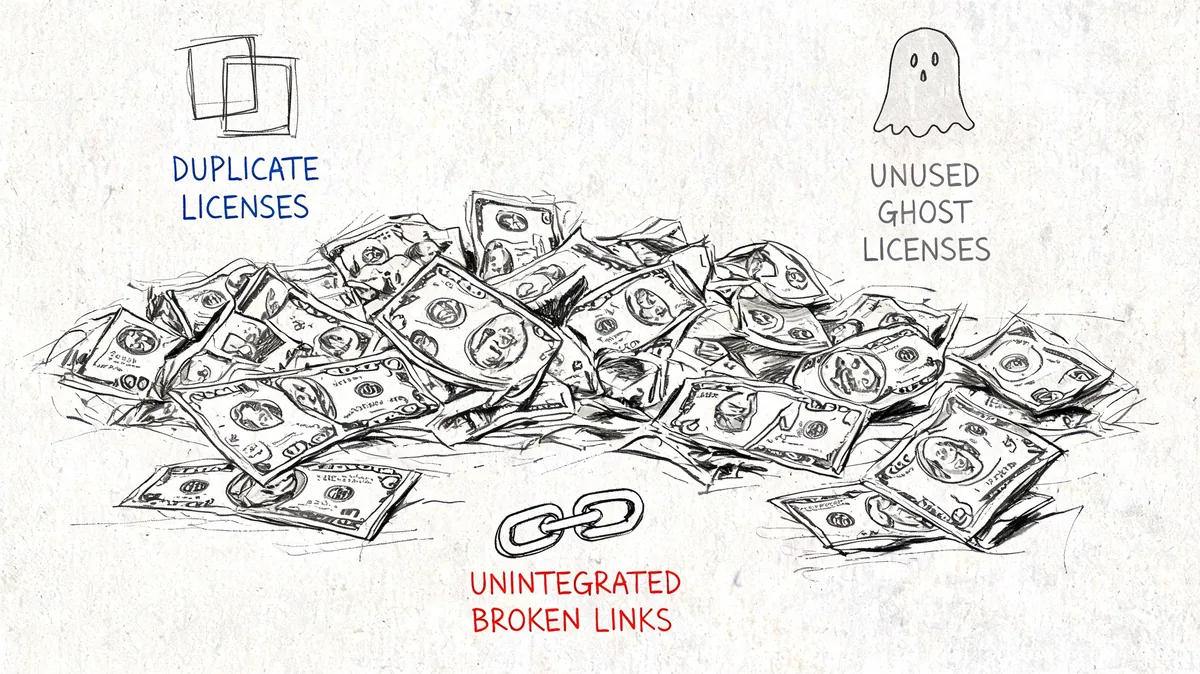
A common pattern in mid-market companies is spreadsheet-based tracking for software access. That works until the company changes shape. A new team launches. Support adds seasonal coverage. A merger brings in another stack. Nobody has one reliable list anymore.
Ramp’s write-up on spend mistakes notes that “SaaS creep and shadow IT” create duplicate spend “hiding in plain sight,” and that organizations typically manage “less than two-thirds of their total company spend” (Ramp on SaaS creep and hidden spend). That gap is exactly where software costs drift upward.
Shadow IT isn’t always rebellious
Sometimes shadow IT is just speed. A team lead buys a small app on a card because waiting for approval takes too long. Later, procurement finds an overlapping tool. Both stay in place because nobody owns cleanup.
You also see a softer version inside approved tools:
- Extra Zendesk seats kept for possible hires
- Former employee accounts left active after offboarding
- Temporary access that becomes permanent
- Higher-cost roles assigned to users with minimal activity
None of that looks dramatic in isolation. Together, it distorts the budget.
Idle licenses are the silent leak
Zendesk is especially vulnerable because access decisions happen quickly. Managers add seats to keep queues moving. They’re less likely to remove them once the pressure passes.
A quick primer helps here:
The operational problem is plain. Businesses typically know how many licenses they own. Fewer can tell you how many were meaningfully used this month.
Treat “paid seat” and “needed seat” as separate questions. Teams that merge them miss waste for months.
How to Govern Your SaaS and Zendesk Licenses
Governance isn’t a policy PDF nobody reads. It’s a repeatable set of checks that survives hiring spikes, reorganizations, and rushed requests.
Four controls that actually work
Build a live software inventory
Track vendor, owner, renewal date, billing model, and user count. If Zendesk doesn’t have a named business owner, assign one.Tie licenses to onboarding and offboarding
HR status changes should trigger access review. Don’t rely on managers to remember cleanup later.Set a request policy for new seats
Require a reason, approver, team, and expected duration. Temporary seats should have an expiry review date.Audit on a schedule
Monthly is better for fast-moving teams. Quarterly is the bare minimum if your support org changes often.
Put the cost in front of people
When you quantify idle seats, budget conversations get easier. Here’s what 5 idle Zendesk licenses cost over a year at Zendesk’s current annual-billing rates.
| Zendesk Plan | Price Per Agent/Month (Annual Billing) | Annual Wasted Cost (5 Seats) |
|---|---|---|
| Suite Team | $55 | $3,300 |
| Growth | $89 | $5,340 |
| Professional | $115 | $6,900 |
| Enterprise | $169+ | $10,140+ |
That table changes the conversation. “We should probably clean this up” turns into “we’re carrying avoidable annual spend.”
What doesn’t work
Teams lose control when they depend on memory and goodwill.
| Approach | What happens |
|---|---|
| Spreadsheet only | Goes stale as soon as hiring changes |
| Renewal-only review | Waste accumulates all year |
| Finance-only ownership | No visibility into real usage |
| Admin-only ownership | Cost discipline gets ignored |
The best governance setup is shared. Operations owns workflow. Zendesk admins own access. Finance owns budget review. One team alone won’t catch everything.
Finding and Eliminating Wasted License Spend
Manual audits break down for one reason. The people adding seats aren’t the same people judging cost, and they rarely look at the same data on the same day.
Amazon Business notes a persistent gap between IT operations and finance in spend governance. Zendesk admins need to add agents quickly, while finance owns the budget but often lacks real-time usage data to tell temporary scaling from forgotten licenses (Amazon Business on spend visibility and coordination).
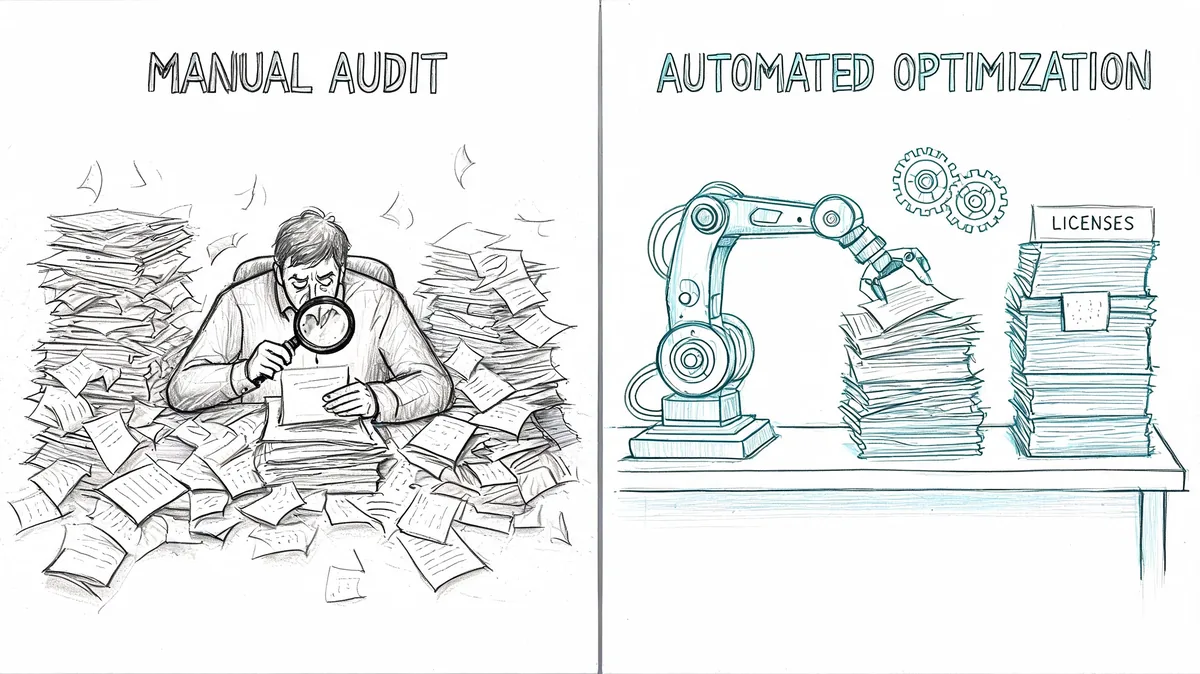
Why automation changes the conversation
An automated audit pulls actual activity into the review process. For Zendesk, that usually means looking at user status, roles, and usage signals through the API instead of relying on someone’s memory of who still needs access.
That matters because finance doesn’t want opinions. They want evidence. Support managers don’t want blanket cuts. They want to protect service coverage. Real usage data gives both sides something neutral to work from.
A strong audit process should answer:
- Who hasn’t been active
- Which seats may be downgraded
- What those seats cost
- When to review before renewal
If you’re still doing this by hand, it helps to compare your current process against a proper software license auditing workflow.
One practical option for Zendesk
For teams that want a Zendesk-specific approach, LicenseTrim connects through OAuth with read-only access to Zendesk, checks agent activity, and shows the cost tied to inactive or underused seats. That’s useful when you need a current view before renewal instead of another one-time spreadsheet audit.
The goal isn’t to remove seats blindly. It’s to separate active capacity from leftover spend.
What to Do Before Your Next Zendesk Renewal
Don’t start with negotiation. Start with cleanup. If your seat count is wrong, every renewal conversation starts from the wrong number.
Three steps to take now
Export your current Zendesk user list
Check role, status, and team ownership. Flag accounts with no clear owner or business reason.Review recent activity against paid seats
Look for inactive agents, former staff, temporary users, and accounts that can move to a lower level of access.Bring finance a clean number
Show current licenses, likely removals, and seats you expect to keep for real operating reasons. That gives procurement or finance a better position before renewal talks begin.
Keep one rule in place after renewal
Set a recurring review date now. If you wait until the next contract cycle, the same waste will rebuild.
A tool-assisted audit helps, but the bigger win is operational discipline. New seats need a reason. Old seats need a review. Renewal prep should start with usage, not the invoice.
The first move is small. Audit your Zendesk seats before the next bill locks in another year of drift.
If you want a faster way to do that, LicenseTrim gives Zendesk admins and finance teams a read-only audit of inactive seats and wasted license spend, so you can review cleanup before renewal instead of chasing it after the invoice lands.