Meta description: Confused about the difference between procurement and purchasing? Here’s how the distinction cuts Zendesk license waste before renewal.
Your Zendesk renewal lands. Finance wants an answer fast. Support wants zero disruption. You open the invoice and realize you’re about to pay for another year of seats you haven’t properly reviewed.
That’s where teams get burned.
Most companies treat Zendesk like a routine software buy. Renew the same count, push the PO through, move on. That’s purchasing behavior. It keeps the process moving, but it doesn’t tell you whether you’re buying the right mix of seats, overpaying for unused licenses, or locking in the wrong contract shape for another year.
The difference between procurement and purchasing matters most when spend is recurring, seat-based, and easy to ignore until the invoice shows up. Zendesk fits that pattern perfectly.
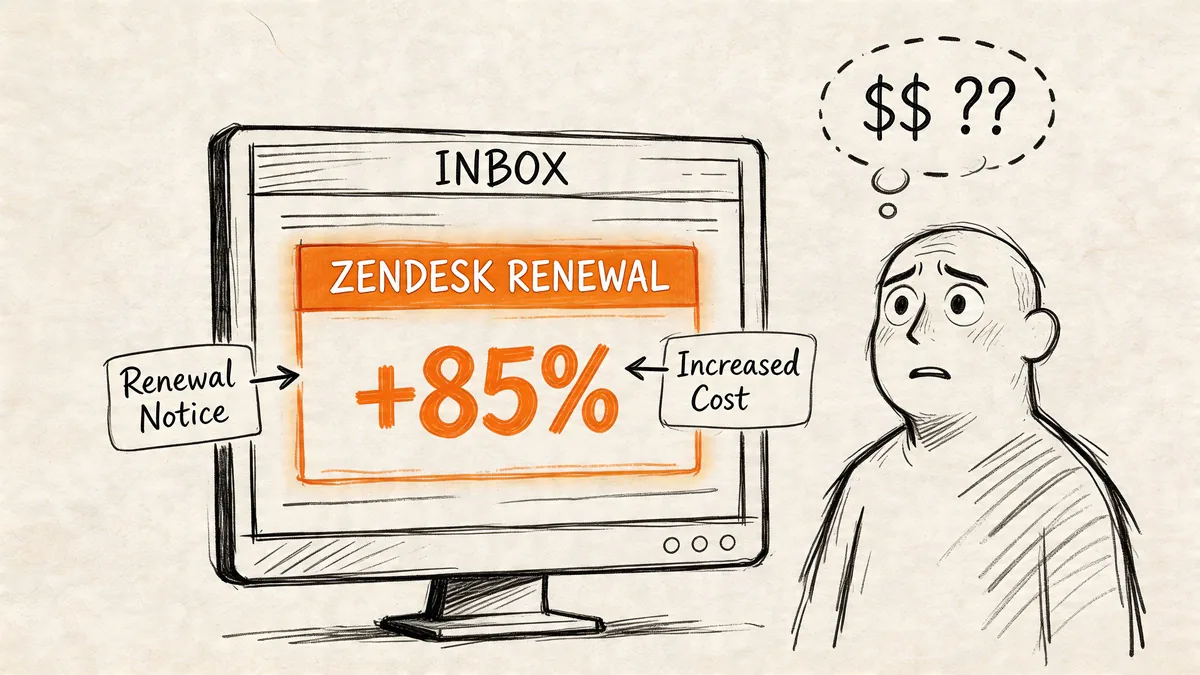
That Zendesk Renewal Notice Just Hit Your Inbox
The usual sequence goes like this. Your rep sends the renewal. Someone checks last year’s seat count. A manager confirms headcount. Finance asks whether the increase is justified. Nobody has a clean answer because the actual usage data lives in admin reports, spreadsheets, and half-remembered team changes.
For Zendesk admins and ops leads, that’s not a theory problem. It’s a visibility problem. Existing coverage of procurement versus purchasing usually stays at the business-school level and misses SaaS license management, even though wasted spend in platforms like Zendesk averages 30-40% on underutilized licenses, and 70% of organizations overspend due to poor usage visibility, according to LGM Pharma’s summary of the gap in procurement content.
Where the pain shows up first
You see it in a few places:
- Unused agents: Former team members or shifted roles still hold paid seats.
- Wrong plan mix: People sit on higher tiers than their work requires.
- Late reviews: The audit happens after commercial terms are already in motion.
- Weak internal proof: Finance asks for savings opportunities, and you only have rough estimates.
A proper license auditing software process fixes the biggest blind spot first. It gives you evidence before you negotiate, not after you sign.
Practical rule: If your first real usage review happens after the renewal quote arrives, your team is purchasing, not procuring.
That distinction sounds academic until you apply it to a seat-based tool that renews every year. Then it becomes the difference between controlling cost and explaining it after the fact.
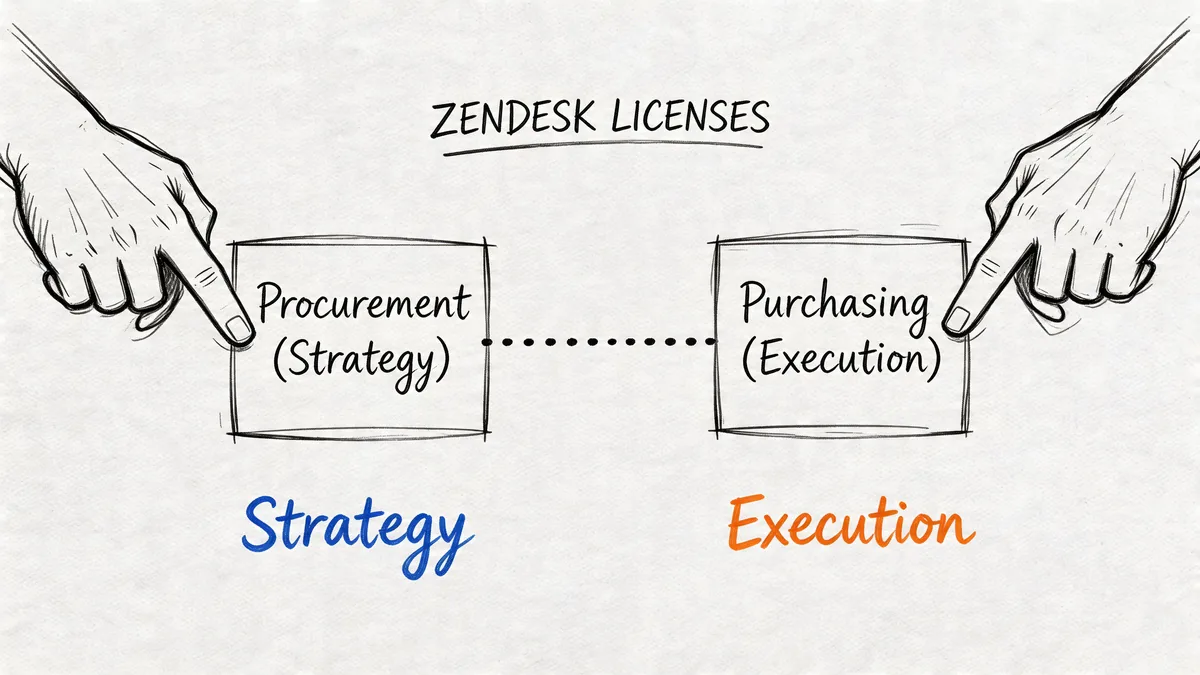
Procurement Is the Strategy, Purchasing Is the Transaction
The easiest way to think about it is this. Procurement decides what you should buy, from whom, under what terms, and with what ongoing controls. Purchasing executes the order.
One sits upstream. The other happens near the finish line.
What procurement actually covers
Procurement includes the full source-to-pay cycle. In practice, that means:
- Need definition: Do you need more Zendesk seats, fewer seats, or a different tier mix?
- Supplier review: Are the contract terms still right for your current support model?
- Commercial negotiation: Can you change seat flexibility, renewal timing, or agreement structure?
- Risk and governance: Who approves adds, downgrades, and renewals, and based on what evidence?
That’s why procurement tends to pull in more people and more judgment. It’s broader by design.
What purchasing handles
Purchasing is narrower and more operational:
- Create the requisition
- Issue the PO
- Match invoice and receipt
- Make sure the order gets paid
That work matters. You still need it. But it won’t tell you whether the deal itself is wrong.
Purchasing is a tactical subset of procurement. That distinction has been formalized over time as organizations moved from purchasing clerks to strategic procurement leadership, according to Precoro’s overview of procurement vs purchasing.
A helpful way to apply that to software is to stop treating every renewal like office supplies. Zendesk is indirect spend, and indirect spend is where weak ownership causes recurring waste. If your team needs a clearer frame for that category, this guide on what indirect procurement covers is a useful companion.
Why busy teams confuse the two
The confusion usually comes from pace, not ignorance. Renewal deadlines are tight. Support leaders want continuity. Procurement teams may only enter the picture late, after pricing is already on the table.
So the company defaults to execution. Get the renewal done. Avoid disruption. Sort out optimization later.
That approach works if your only goal is continuity. It fails if your goal is to spend less without breaking support operations.
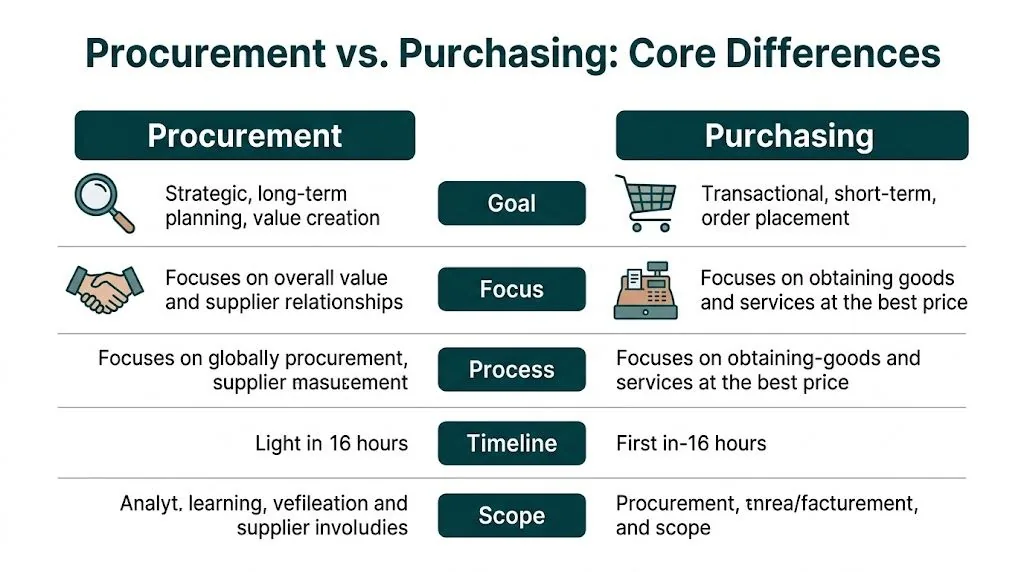
The Core Difference Between Procurement and Purchasing Activities
You can see the difference clearly when you lay the two functions side by side.
| Criterion | Procurement (Strategic) | Purchasing (Tactical) |
|---|---|---|
| Primary goal | Reduce total cost of ownership and improve long-term value | Complete the purchase accurately and on time |
| Scope | End-to-end, from need definition to contract and review | Order placement, invoice handling, payment |
| Time horizon | Long-term | Short-term |
| Core activities | Sourcing, negotiation, contract terms, supplier management, risk control | Requisitions, POs, receipts, invoice matching |
| Main question | “What should we buy, and what should the deal look like?” | “How do we process this order?” |
| Typical SaaS focus | License mix, renewal terms, usage review, seat governance | Renew current count, pay invoice, track delivery |
| Main KPI | TCO reduction, compliance, value capture | Cycle time, accuracy, unit price |
The cost gap is real
This isn’t just semantics. Effective procurement strategies can achieve 10-20% annual cost reductions through total cost of ownership optimization, while purchasing alone typically delivers 1-5% savings through spot-price negotiation, according to Ivalua’s breakdown of procurement vs purchasing.
For SaaS, that difference shows up because the invoice price is only part of the spend. A cheaper unit price on the wrong number of licenses is still waste. So is paying list rate on seats that nobody uses.
The operational trade-off
Procurement takes more time. It asks for usage data, contract review, and cross-functional sign-off. Purchasing is faster because it focuses on moving the order through the system.
That creates a real trade-off:
| Trade-off | Procurement | Purchasing |
|---|---|---|
| Speed | Slower upfront | Faster upfront |
| Data needed | Higher | Lower |
| Internal effort | More coordination | Less coordination |
| Savings potential | Higher | Lower |
| Risk control | Better | Weaker |
If you’re renewing a low-value tool with a handful of users, a heavier procurement workflow can be overkill. If you’re managing Zendesk across multiple teams, with annual commitments and tiered agent plans, skipping procurement usually costs more than the extra review time.
Teams often save money by slowing down the decision, not the payment. The review belongs before the PO, not after it.
How This Plays Out with Your Zendesk Licenses
The difference between procurement and purchasing stops being theory and starts affecting your budget.
The purchasing approach
Your renewal date is close. The account manager sends a quote. You check current agent count in Zendesk, ask support leadership if headcount is roughly stable, and renew the same plan mix.
The work gets done. The order is processed. Nobody blocks support operations.
But a few bad assumptions usually sneak in:
- Current seat count equals needed seat count
- All active users need the same tier
- Last year’s contract shape still fits
- Unused seats are minor enough to ignore
For Zendesk, that’s risky because seat waste hides in plain sight. A quick headcount doesn’t tell you who hasn’t logged in, who only needs a lower plan, or which teams are carrying dormant access because nobody wants to remove it before busy season.
The procurement approach
A procurement-led renewal starts earlier and asks different questions. Not “How many seats do we have?” but “Which seats are earning their cost?”
That review uses a total cost of ownership lens. For SaaS license optimization on Zendesk, procurement teams look beyond unit price to the bigger spend picture. According to Procurify’s SaaS procurement guidance, procurement-driven audits can deliver 30-40% cost reductions, and idle agent seats on Zendesk Enterprise plans can waste $25-50 per month per license.
What that looks like in practice
Zendesk’s annual billing rates make plan choices visible very quickly:
| Zendesk plan | Annual billing rate per agent per month |
|---|---|
| Suite Team | $55 |
| Growth | $89 |
| Professional | $115 |
| Enterprise | $169+ |
Now apply that to a real review process.
You pull usage before renewal. You look for inactive agents, low-activity users, and users sitting on higher tiers without using the features tied to those tiers. Then you split the discussion into three buckets:
- Remove: Former staff, duplicate accounts, abandoned seats
- Downgrade: Agents who don’t need the current plan level
- Keep and negotiate: Core seats that are needed
A procurement mindset also changes how you speak to your vendor. You’re no longer negotiating from org chart assumptions. You’re negotiating from observed usage and contract intent.
Don’t take a renewal quote as a statement of need. Treat it as an opening position.
That’s where teams often recover the most money without touching service quality. You’re not cutting productive agents. You’re tightening the license map so the contract matches real operations.
Common Pitfalls When The Lines Get Blurred
The expensive mistakes happen when companies apply the wrong motion to the wrong problem.
Treating a strategic renewal like a routine order
A Zendesk renewal isn’t just another payable. It’s a contract decision with recurring cost impact. When teams push it through as a standard purchase, they usually renew the existing seat count and plan mix with minimal challenge.
That’s how auto-renewed waste survives another year.
According to Zycus on procurement and purchasing differences, procurement-led Source-to-Contract processes achieve 95% contract adherence versus 70% for purchasing, and for Zendesk that can prevent auto-renewals of 20+ idle agent licenses wasting over $50K per year.
Using heavyweight procurement on low-value transactions
The opposite mistake also shows up. A team applies full procurement ceremony to every small software action, including minor seat adds that need quick turnaround.
That creates friction fast:
- Support managers wait too long for routine seat changes
- Admins bypass process because the approved path is too slow
- Procurement loses credibility by over-controlling low-risk buys
Good control doesn’t mean maximum process everywhere. It means matching the process to the value and risk of the decision.
Negotiating without current usage evidence
This one is common and avoidable. Teams go into renewal talks with headcount data, maybe a rough admin export, and a lot of assumptions. They don’t have a clean inactivity review or a tier-by-tier justification.
Then the vendor anchors the conversation around the current contract, not the current reality.
A multi-year SaaS agreement built on stale usage data turns last year’s mistakes into next year’s obligations.
That’s why blurred ownership hurts. Purchasing can process the renewal perfectly and still lock in bad spend. Procurement can protect value, but only if it gets involved early enough to review the facts.
Aligning Procurement and Purchasing for SaaS Savings
The goal isn’t to pick one side. You need both. Procurement should set the rules and handle the high-value decisions. Purchasing should move approved buys through fast.
A setup that works
For Zendesk and similar SaaS tools, a good operating model usually includes:
- Shared renewal calendar: IT, finance, ops, and procurement should see the same dates.
- Clear thresholds: Small seat changes can follow a lighter path. Annual renewals and contract changes need procurement review.
- Usage review before vendor contact: Don’t start commercial discussions until you’ve looked at real activity.
- Named owner for seat hygiene: Someone has to own removals, downgrades, and inactive-user checks.
Keep the data path short
The biggest process failure I see is forcing admins to build the savings case by hand every time. That’s slow, inconsistent, and easy to deprioritize.
A better approach is to standardize the audit step. Tools like spreadsheets and Zendesk exports can work if your environment is small and stable. If it isn’t, a purpose-built option such as LicenseTrim’s contract management for procurement workflow context can feed procurement and finance a read-only view of inactive agents and wasted spend before renewal discussions start.
Separate decision rights from execution
Use procurement for questions like these:
- Should we renew at this seat count
- Should we move users to a different tier
- Should we accept these contract terms
Use purchasing for the mechanics that follow:
- Issue the approved order
- Track invoice and payment
- Maintain documentation
That division keeps control where it belongs without turning every SaaS task into red tape.
What to Do Before Your Next Zendesk Renewal
Start earlier than you think you need to. The teams that save money on Zendesk don’t wait for the quote to define the conversation.
Use this checklist:
Run a usage audit
Pull agent activity and find inactive users, low-activity users, and plan mismatches. If you want a faster read, LicenseTrim connects to Zendesk with read-only access and shows unused license waste without changing anything automatically.
Translate findings into annual spend
Don’t stop at “we have unused seats.” Map those seats against your actual Zendesk plan rates, including Suite Team at $55, Growth at $89, Professional at $115, and Enterprise at $169+ per agent per month on annual billing.
Bring procurement in before the quote is final
Share the audit with finance and procurement while there’s still time to influence terms, seat count, and plan mix.
Decide what belongs in guardrails
Small approved adds can move through purchasing. Renewals, tier changes, and multi-team contract updates should trigger procurement review.
Document the renewal playbook
Write down who reviews usage, who approves changes, and how far ahead that work starts. You only need to build that process once.
If your Zendesk renewals keep getting approved before anyone checks who’s using paid seats, LicenseTrim is worth a look. It connects via OAuth, reads your Zendesk usage data, flags inactive agents, and shows how much spend is tied up in unused licenses so you can go into renewal talks with evidence instead of guesses.